
Unlocking Project Potential with PDF to BIM Conversion
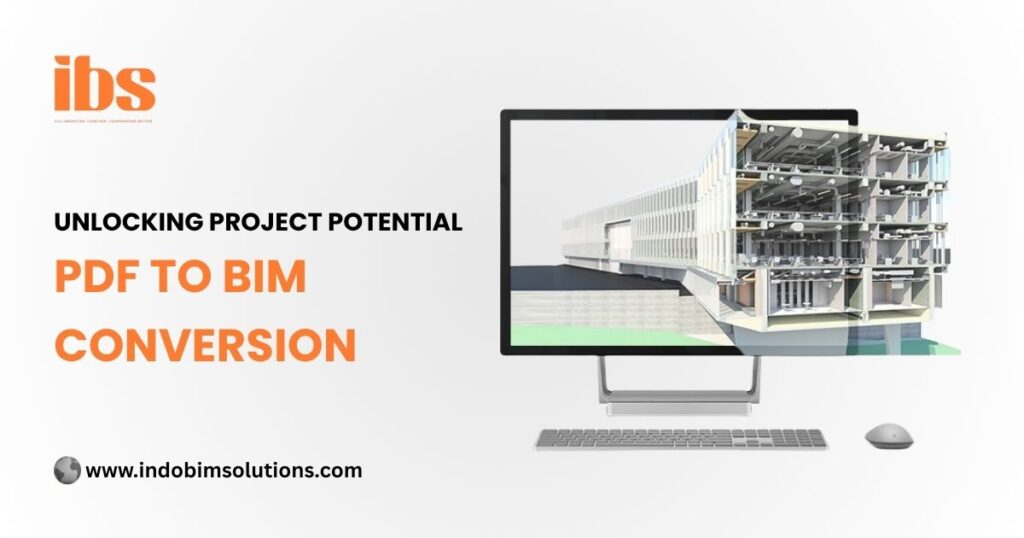
In the fast-paced construction world, accurate and timely information is crucial. Teams rely on updated drawings, documents, and plans to make informed decisions at every stage. However, many older projects or shared documents still exist in PDF format, which can be hard to edit, revise, or analyze. That’s where PDF to BIM conversion steps in, transforming your workflow from limited to limitless.
This blog explores how converting PDF files into BIM (Building Information Modeling) unlocks the true potential of construction and design projects. It helps teams work smarter with better access to data, reduces mistakes, and ensures smooth collaboration at every step.
What is PDF to BIM Conversion?
PDF to BIM is the process of turning static PDF construction drawings into detailed and editable 3D BIM models. A PDF may include architectural, structural, or MEP (Mechanical, Electrical, Plumbing) drawings. By converting it to BIM, you gain full access to real-time project data, dimensions, annotations, and layers — all within an intelligent model that supports collaboration and precise planning. BIM tools like Autodesk Revit help bring those flat 2D drawings to life in a rich 3D environment. The outcome? A smart model that improves efficiency and eliminates costly rework during construction.
Why Do Projects Still Use PDF?
Even in a world filled with modern tools, many projects still receive drawings in PDF format. Why? Because PDFs are widely accessible, portable, and commonly used across all industries. But there’s more to it:
- Clients or partners still rely on older systems that export only PDF drawings.
- Architects and engineers archive approved drawings as PDFs for easy sharing.
- City and legal authorities often require PDFs for official submissions.
- PDFs are easy to print and view, but they lack editable and intelligent layers.
PDFs may be simple to use, but they are not smart or dynamic. That’s why converting them into BIM opens doors to smarter decisions, better design outcomes, and more flexible collaboration.
Benefits of PDF to BIM Conversion
Let’s explore how PDF to BIM conversion brings serious value to architectural and construction teams looking to increase productivity and cut down on errors.
1. Better Accuracy
Manual editing of PDF drawings increases the chance of human error. When you convert PDFs into BIM models, you improve precision at every level of your project. Every wall, door, slab, or pipe is placed accurately based on actual scale, helping avoid discrepancies and reducing onsite design conflicts. This precision ensures that your construction plans match the real-world implementation, avoiding costly mistakes during execution.
2. Improved Collaboration
BIM models support multi-disciplinary collaboration across teams, locations, and time zones. Architects, engineers, MEP consultants, and contractors can all work together using the same central model. This creates real-time coordination, faster design updates, and fewer misunderstandings during construction. When you convert PDFs to BIM, you provide all stakeholders with an interactive model where each party can contribute, review, and optimize project design together.
3. Faster Design Changes
In a BIM model, changes update automatically across all drawings and views. That means you no longer need to manually revise each page when you shift one element. For example, moving a column in BIM instantly adjusts the floor plan, elevations, and sections — saving hours of manual work and reducing design inconsistency. PDFs do not offer that flexibility. Every change in a PDF requires manual edits, which increases time and the risk of missing updates in related sheets.
4. Cost Savings
Errors and clashes discovered during construction can lead to major delays and increased costs. With PDF to BIM conversion, you detect design issues early and fix them before they become expensive problems on-site. This proactive approach minimizes rework, reduces material waste, and improves cost control across the project timeline. These savings are not just financial — they also reduce stress and help teams meet deadlines without compromising on quality.
5. Future-Ready Documentation
A BIM model stores complete information in one centralized database — including dimensions, materials, specifications, and quantities. When you convert a PDF to BIM, you create a digital asset that can support future project stages like operation, maintenance, and renovation. Property managers and building owners can use the BIM model to track systems, manage energy usage, and plan future upgrades with confidence and accuracy.
When to Use PDF to BIM Conversion?
PDF to BIM conversion is ideal in many project scenarios and can be a game changer in the following situations:
- Renovation Projects: Older buildings often have no CAD or BIM data and rely only on PDF or paper drawings.
- Scan to BIM Projects: Combine 3D laser scans with PDF data to build accurate, as-built models.
- Design Validation: Use BIM to check, compare, and verify older PDF-based designs during upgrades or code compliance checks.
- Permit Submissions: Convert PDF drawings into BIM for government or city authorities that now prefer digital submissions in BIM formats.
Steps Involved in PDF to BIM Conversion
Here’s a simplified step-by-step process that professionals follow to convert PDF drawings into detailed BIM models:
- Review the PDF files – Check quality, dimensions, drawing layers, and clarity to ensure accurate modeling.
- Import into BIM software – Tools like Revit allow you to trace over the PDF while creating a 3D model layer by layer.
- Model architectural elements – Recreate walls, windows, roofs, ceilings, and doors based on the original design.
- Add levels, data, and annotation – Include all relevant tags, dimensions, levels, and material specs in the BIM model.
- Check accuracy – Validate the BIM output by comparing it with the original PDF for alignment and completeness.
- Export and share – Once complete, export your BIM model in formats like RVT, IFC, or NWD for use in construction.
Conclusion
PDF to BIM conversion unlocks powerful advantages that help design and construction teams move away from outdated, static files. It transforms how teams view, analyze, and use data — leading to better decisions, improved accuracy, fewer errors, and stronger collaboration. If your project still operates on flat PDF documents, this is the perfect time to upgrade. Embrace BIM and make your project smarter, faster, and more future-ready. Start your journey with PDF to BIM conversion — and unlock your project’s full potential from the very first step with Indo BIM Solutions.